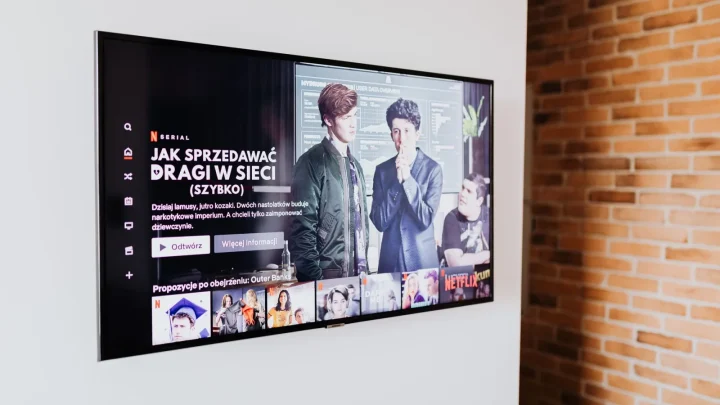
The dashboard says it all. You start a movie on your phone, open the Plex activity screen, and there it is: (Transcode) with no little (hw) tag next to it. Your CPU fan spins up, the server sits at 40 percent load for one stream, and you know the fancy Intel chip you bought is doing nothing.
I have chased this exact problem across a Synology, an Intel NUC, and a Docker stack on Ubuntu. The frustrating part is that hardware transcoding almost never fails for one dramatic reason. It fails because of one small missing piece, and the fix takes two minutes once you find it.
So here is the checklist I actually run, in the order I run it. Work top to bottom and stop at the first item that is wrong.
1. Confirm your Plex Pass is active and applied
Hardware transcoding is a paid feature. No Plex Pass, no hardware encoding, full stop. This catches more people than you would think, especially after a trial quietly expires.
Go to Settings, Transcoder in the web app. If you do not see the checkbox labelled Use hardware acceleration when available, your account is not being recognised as Plex Pass by that specific server.
Once the checkbox exists, tick it. Then tick Use hardware-accelerated video encoding too if you see it. Both matter.

2. Verify the CPU actually has a supported encoder
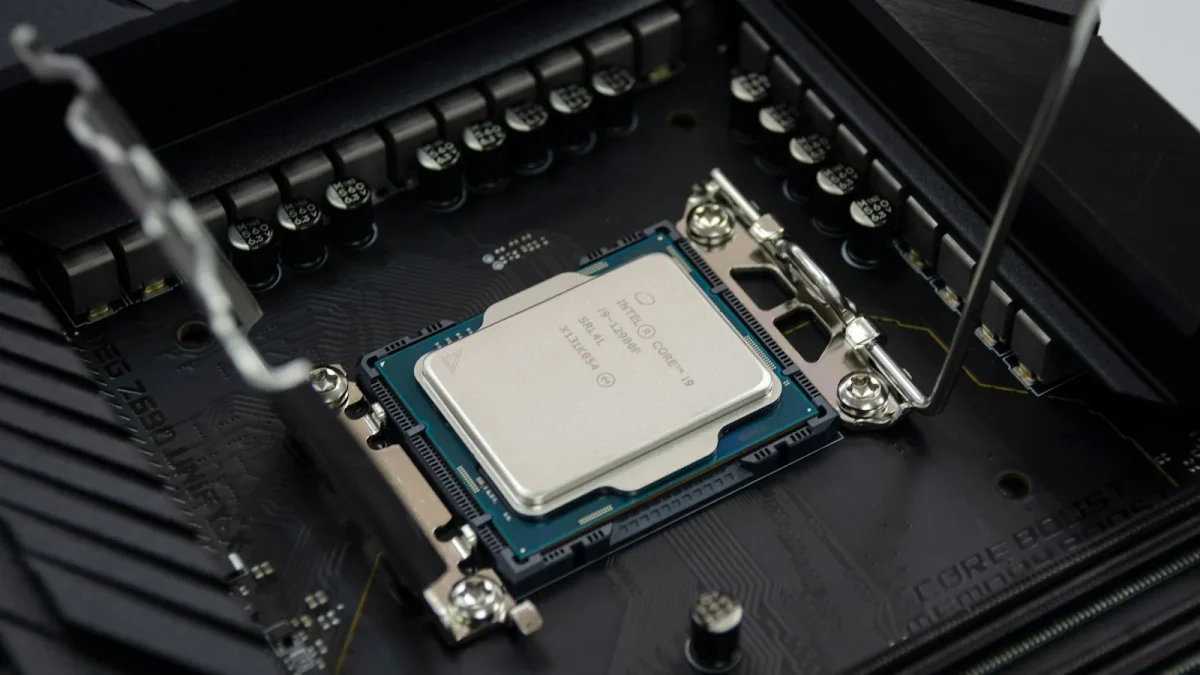
Not every chip can do this. You need Intel Quick Sync (most Intel CPUs with integrated graphics from about 2013 onward), an NVIDIA GPU, or an AMD chip with a working VCE encoder.
The gotcha I hit constantly: Intel F-series chips like the i5-10400F have the integrated GPU disabled. No iGPU means no Quick Sync, and no amount of config fixes that. Look up your exact model on the Intel Quick Sync Video reference before you spend an hour debugging software that was never going to work.
Xeon chips are the other trap. Most Xeons ship without integrated graphics, so a homebuilt server on a server-grade board often has no hardware encoder at all unless you add a discrete GPU.
If you are on a Synology, check your model against Plex's supported list. Anything with a Celeron J or Pentium chip usually does Quick Sync, but the ARM-based units (a big chunk of the DS product line) have no Quick Sync at all and never will.
3. Check the render device exists on the host
On Linux and inside containers, the encoder shows up as a device file at /dev/dri/renderD128. If that file is missing, the operating system never loaded the graphics driver, and Plex has nothing to talk to.
SSH into your host and run this:
ls -l /dev/dri
You want to see card0 and renderD128 listed. If the folder is empty or does not exist, your driver is not loaded. On a Synology that usually means the model does not support it. On a custom build it usually means a BIOS setting or a missing kernel module.
4. Pass the device into your container
This is where Docker users lose the most time. The render device exists on the host, but the container running Plex cannot see it because you never mapped it in.
Your compose file needs the device passed through explicitly:
devices:
- /dev/dri:/dev/dri
If you run the plain docker run command instead, add --device /dev/dri:/dev/dri. The official Docker documentation on passing devices to containers covers the syntax if you are mixing approaches.
After editing, you must recreate the container, not just restart it. Run docker compose up -d so the new device mapping actually takes effect. A restart alone keeps the old config.
The first time I hit this, I edited the compose file, hit restart in the Portainer UI, watched it fail, and spent twenty minutes convinced my driver was broken. It was not. The container had simply never picked up the new device line because a restart reuses the existing container definition.
5. Fix permissions on the render device
The device is mapped, but Plex still uses software transcode. Nine times out of ten this is a permissions problem: the user running Plex inside the container is not in the group that owns renderD128.
Check the group with ls -l /dev/dri/renderD128. You will see something like root render or a numeric group ID such as 44 or 993.
| Symptom | Likely cause | Fix |
|---|---|---|
| Device present, still software | Wrong group | Add render group GID to container |
| Permission denied in logs | User lacks access | Match PUID/PGID to owner |
| renderD128 missing entirely | Driver not loaded | Fix host driver or BIOS |
In your compose file, add the render group ID under group_add. If your device is owned by group 993, add - "993". This single line fixes a huge share of stubborn cases.
6. Update the graphics driver on the host
An outdated or generic driver can technically expose the device while still failing to encode. On Ubuntu, install the Intel media stack so the encoder is fully usable.
The package you want is intel-media-va-driver-non-free, plus vainfo so you can test it. Run vainfo and you should see a list of supported profiles including VAProfileH264 entries for encode. If vainfo errors out, the host cannot encode yet and Plex never will either.
7. Rule out the codec your file actually uses
Here is the sneaky one. Hardware transcoding may be working perfectly and you still see plain (Transcode), because your CPU cannot hardware-decode that specific format.
Older Quick Sync generations cannot decode HEVC 10-bit or AV1 in hardware. When the source is one of those, Plex quietly falls back to software for the decode step even though encoding could run on hardware. A 2015-era chip will chew through modern 4K HEVC content on the CPU.
Test with a plain H.264 1080p file. If that one shows (hw) and your 4K HEVC file does not, your hardware is fine and the chip simply predates that codec.
One more thing worth checking here: some clients request a transcode when they could have direct-played the file. If a stream is transcoding at all, ask whether it needed to. Forcing a lower quality in the client, or turning off the mobile app's data-saver setting, can drop the transcode entirely and make the whole question moot.
When it finally shows (hw)
The payoff is obvious the moment it works. That same phone stream now reads (Transcode (hw)), CPU load drops from 40 percent to under 5, and the fan goes quiet. A capable Intel chip can juggle five or six 4K transcodes on hardware where the CPU alone would choke on one.
Run the list in order and do not skip ahead. The answer is nearly always item 1, 4, or 5, and once you have found your particular gremlin, you will spot it in seconds next time.
Frequently asked questions
Why does Plex still say Transcode instead of Transcode (hw)?
Plain (Transcode) means the stream is running on the CPU. The most common reasons are a missing Plex Pass, a container that cannot see /dev/dri, or wrong group permissions on the render device. Work through the checklist in order and stop at the first item that is misconfigured.
Do I need a Plex Pass for hardware transcoding?
Yes. Hardware-accelerated transcoding is a paid Plex Pass feature and the checkbox will not even appear in Settings, Transcoder without it. The Pass must be active on the account that originally claimed and set up the server, not the account watching the stream.
How do I know if my CPU supports Quick Sync?
Most Intel chips with integrated graphics from roughly 2013 onward support Quick Sync. The exceptions are F-series chips, which have the iGPU disabled, and most Xeons, which ship without integrated graphics. Check your exact model number against Intel's Quick Sync reference before assuming it works.
My container has /dev/dri mapped but still uses software. What now?
This is almost always a permissions issue. The user running Plex inside the container is not in the group that owns renderD128. Find the group ID with ls -l /dev/dri/renderD128 and add that GID under group_add in your compose file, then recreate the container.
Why does hardware work for 1080p but not my 4K files?
Your CPU can likely hardware-encode but cannot hardware-decode that specific codec. Older Quick Sync generations cannot decode HEVC 10-bit or AV1 in hardware, so Plex falls back to software for those files. A newer CPU or a discrete GPU with the right decoder support is the only real fix.
Do I need to install graphics drivers inside the Plex container?
Usually not. The official Plex Media Server container ships with its own encoding drivers, so your driver work belongs on the host. Install the Intel media stack and vainfo on the host, confirm encoding profiles appear, and let device passthrough handle the rest.