My neighbor called me on a Sunday morning because his Synology had been encrypted overnight. Every folder ended in a ransom extension, and there was a text file demanding payment in Bitcoin. The cause was almost boring in how common it is: he had forwarded port 5001 to DiskStation Manager so he could grab files from his phone.
That single decision is the crossroads this whole article is about.
When you want to reach files on your NAS while you are away from home, you have two realistic paths. You either poke a hole in your router and point it at the NAS (port forwarding), or you build an encrypted tunnel back into your own network first and only then talk to the NAS (a VPN). They both work. They are not remotely equal on safety.
What each method actually does
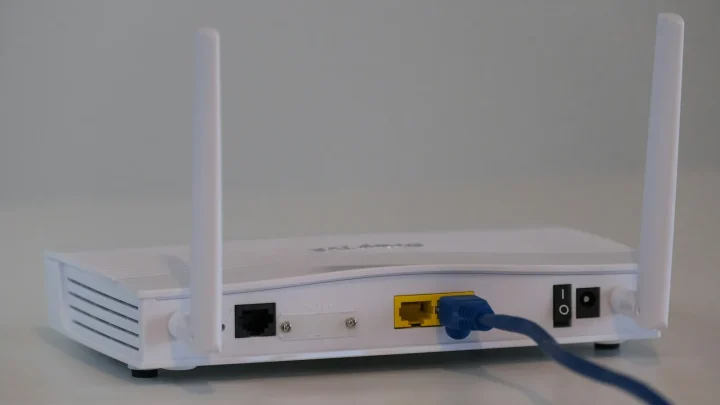
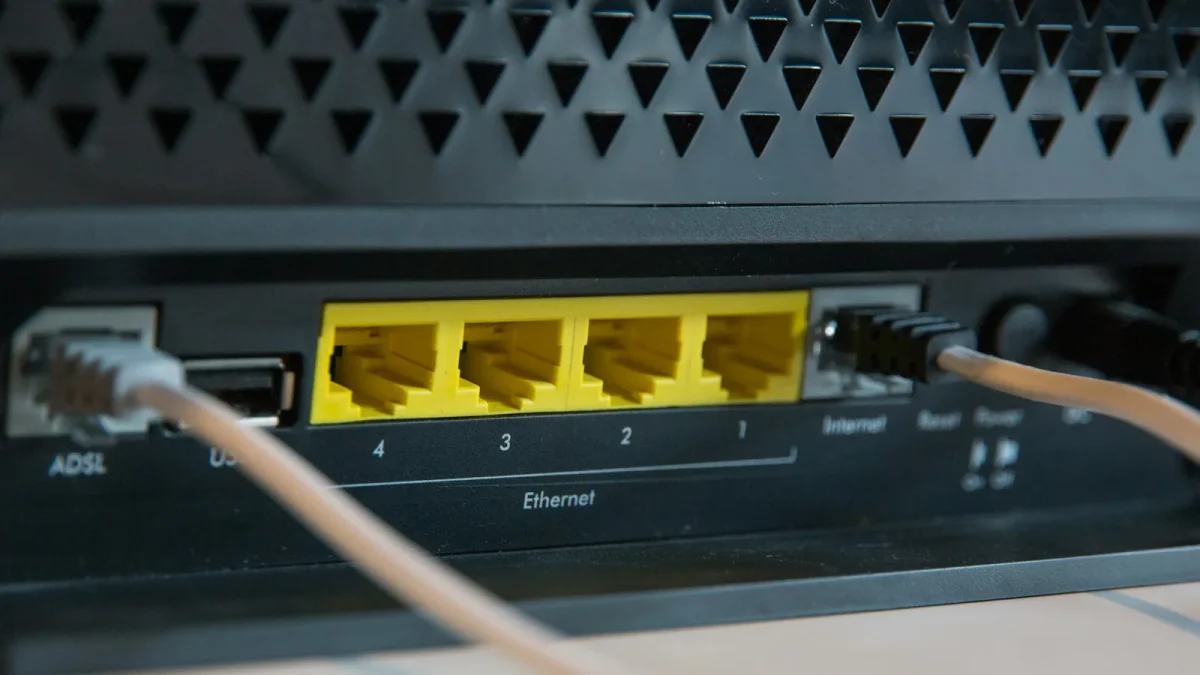
Port forwarding tells your router that any traffic arriving on a certain port should be handed straight to a device inside your house. If you forward TCP 5001 to your Synology at 192.168.1.50, then anyone on the internet who types your home IP and that port lands on your NAS login page.
The convenience is real. No client software, no extra login, just a bookmark that works from any device.
A VPN flips the model. Instead of exposing the NAS, you run a small VPN server (on the router, the NAS itself, or a Raspberry Pi) and your phone or laptop connects to that first. Once the tunnel is up, your device behaves as if it were sitting on your home network. You then reach the NAS at its normal local address, and nothing about the NAS is visible to the wider internet.
The mental shift is this: port forwarding invites the world to your front door and trusts the lock. A VPN checks ID at the property line and never lets strangers near the door at all.
The security gap, in plain terms
Here is the uncomfortable part. The moment you forward a port to a NAS admin panel, automated bots find it. Not in weeks, in hours. They constantly scan the entire IPv4 range looking for exposed Synology DSM and QNAP QTS login pages, then hammer them with credential-stuffing and known exploits.
The DeadBolt ransomware campaigns of 2022 hit thousands of QNAP units this exact way, through boxes reachable directly from the internet.
A VPN removes that entire attack surface. Bots scanning for port 5001 find nothing, because the port is closed. The only thing listening is the VPN endpoint, and modern protocols like WireGuard simply do not respond to unauthenticated traffic. If your key is wrong, the server acts as though it does not exist. There is no login page to brute-force because there is no login page.
Side by side
Numbers make the tradeoff clearer than any paragraph. Here is how the two stack up on the things people actually care about.
| Factor | Port forwarding | VPN |
|---|---|---|
| Security | Poor. Exposes a login page to the whole internet. | Strong. Nothing on the NAS is reachable from outside. |
| Setup effort | Low. One router rule, done in 5 minutes. | Moderate. 20-40 minutes the first time. |
| Client software | None. Any browser works. | A VPN client on each device (built into iOS, Android, Windows). |
| Speed | Full line speed, no overhead. | Small overhead, usually 5-10 percent with WireGuard. |
| Works behind CGNAT | No, unless you pay for a static IP. | Yes, with tunnel services like Tailscale. |
When port forwarding is defensible
I am not going to pretend forwarding is never acceptable. There are narrow cases where it is fine, as long as you respect the rules.
- You are exposing a single hardened service, not the admin panel, behind a reverse proxy with HTTPS and a valid certificate.
- You have two-factor authentication switched on and a very strong password, ideally 16 characters or more.
- You have moved the service to a non-default port and enabled the NAS auto-block feature so repeated failed logins ban the source IP.
- You keep DSM or QTS patched within days of every security update, not months.
Even then, you are carrying more risk than you need to. The convenience saves you maybe ten seconds per session. Weigh that against a Sunday morning like my neighbor had.
The classic legitimate case is a family photo gallery you want to share with relatives who will not install a VPN client. Fair enough. Just make sure it is a read-only share on a dedicated port, fronted by a proxy, and completely separate from your admin login.
Why WireGuard changed the setup math
People used to avoid VPNs because OpenVPN could be fiddly and slow on cheap hardware. That excuse mostly died with WireGuard.
WireGuard is tiny, fast, and reconnects instantly when your phone jumps between WiFi and cellular. On a Synology you install it through the VPN Server or a Container, on a modern router it is often built in, and setup runs about 20 minutes if you follow a guide. Speeds are close to native because the encryption is lightweight.
The one router change you still need is a single forwarded UDP port for the tunnel itself, usually 51820. That feels like it contradicts everything I just said, but it does not. WireGuard silently drops any packet without a valid key, so a scanner sees a dead port rather than a login prompt. There is no page to attack.
Compare that to OpenVPN, which I used for years. It works, but on a low-end NAS CPU it can cap transfers well below your line speed, and the config files are more painful to hand out. If you are starting fresh in 2026, start with WireGuard and only fall back to OpenVPN if a device you own refuses to run it.
Dealing with the no-public-IP problem
A lot of readers write to me convinced port forwarding is broken on their router. Often it is CGNAT, where your provider shares one public address across many customers. You can check by comparing the WAN IP shown in your router against what a site like a public IP lookup reports. If they differ, you are behind CGNAT.
This is where the VPN approach quietly wins again, because tools like Tailscale and Cloudflare Tunnel work even when port forwarding is physically impossible. There is nothing to open, so there is nothing to break.
So which should you pick
For the overwhelming majority of home users, a VPN or a mesh tunnel is the right answer, and it is not close. You get the same phone-to-NAS access, you close the door that ransomware walks through, and the extra setup time is a one-off cost of half an hour.
Reach for port forwarding only when you have a specific hardened service, real reasons to avoid a client, and the discipline to patch and monitor. For everything else, spend the twenty minutes on WireGuard or five minutes on Tailscale.
My neighbor rebuilt his Synology from a backup and now connects through Tailscale. He has not lost a single file since, and he sleeps better on Sundays.
Frequently asked questions
Is a VPN slower than port forwarding for NAS access?
Slightly, but you will rarely notice it. WireGuard adds roughly 5-10 percent overhead, and on most home connections the bottleneck is your upload speed, not the encryption. Streaming and file transfers feel the same in practice.
Can I use a VPN if I do not have a public IP address?
Yes. If you are behind CGNAT you cannot run a traditional self-hosted VPN easily, but mesh services like Tailscale and Cloudflare Tunnel connect outward from inside your network. They work without a public IP and without any router configuration.
Is port forwarding ever safe for a NAS?
Only for a single hardened service behind a reverse proxy with HTTPS, two-factor authentication, a non-default port, and aggressive patching. Never forward the admin interface. Even in the best case you carry more risk than a VPN, for very little convenience.
Do I need a paid VPN service to reach my NAS?
No, and a commercial VPN like NordVPN does the opposite job anyway. You want a self-hosted VPN server (WireGuard on your NAS or router) or a free mesh tool like Tailscale, which is free for personal use with a small number of devices.
Will a VPN protect me if my NAS software has a bug?
Largely, yes. Because the NAS is not reachable from the internet, an attacker cannot exploit a vulnerability in DSM or QTS remotely. They would first need to be on your VPN, which requires your private key. It is not a reason to skip patching, but it buys real breathing room.