A friend of mine lost eleven years of family photos to a lightning strike. Not the drive dying, not a bad update, an actual surge that took out his NAS and the USB drive plugged into the back of it at the same instant. Both copies gone in the same half second.
That is the whole reason the 3-2-1 rule exists, and it is why I bring it up before anything else with new NAS owners.
Here is the promise of this piece: by the end you will know exactly what the three numbers mean and, more usefully, how one person with one Synology or QNAP box actually pulls it off without spending a fortune or babysitting scripts every night.
What the three numbers actually mean
The rule is short. Keep 3 copies of your data, on 2 different types of media, with 1 copy offsite. That is it. The origin is usually credited to photographer Peter Krogh, who wrote about it in his digital asset management work, and it has stuck around because it is simple enough to remember at 2am. Backblaze has a good plain-English writeup if you want the longer history.
The trap is that people count wrong from the very first number.
Your NAS is not three copies. A Synology with two drives in a mirror (SHR or RAID 1) is one copy that happens to survive a single disk failure. RAID protects you from a dead drive. It does nothing for a deleted folder, a ransomware note, a bad firmware update, or that lightning strike.
Counting to three the right way
Let me count a real setup so the abstract numbers turn into hardware you can point at.
Copy one is your live data sitting on the NAS. That is the working copy, the one your phone syncs to and your family streams from.
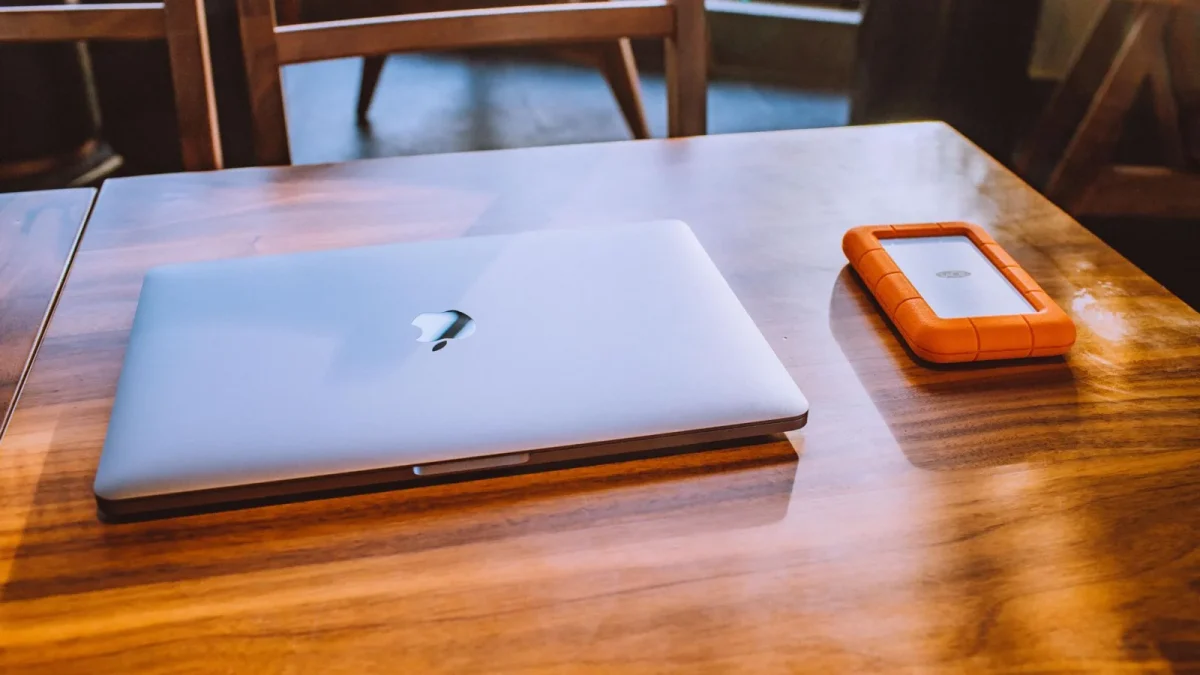
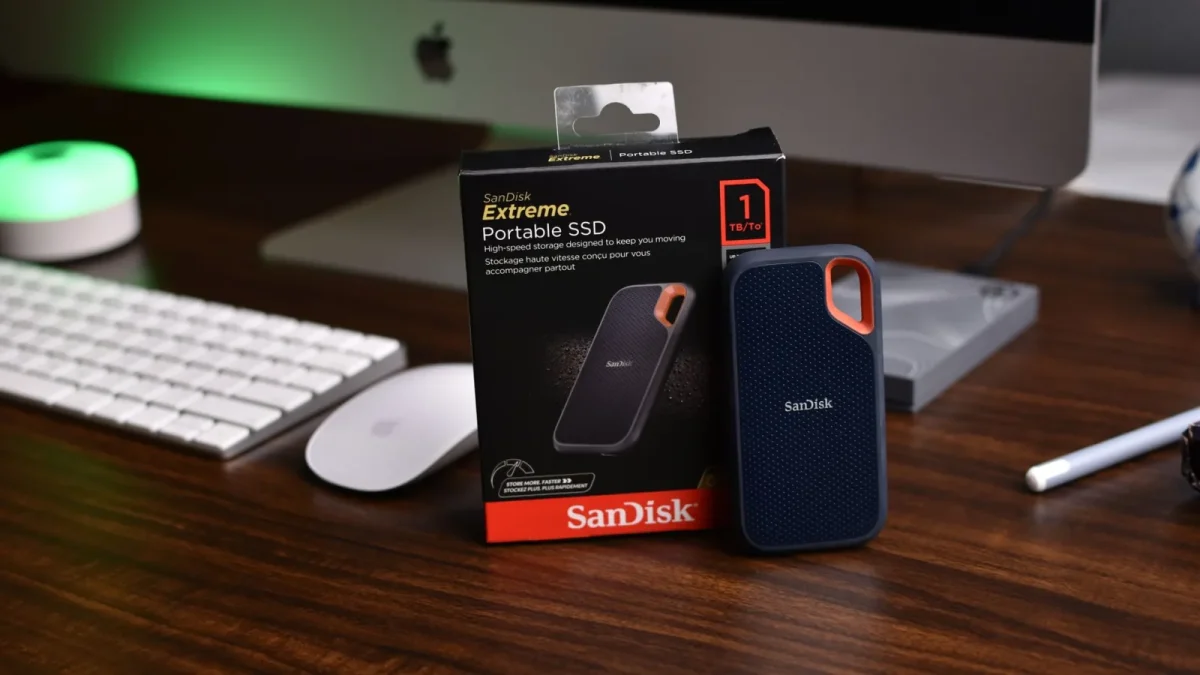
Copy two is a local backup on separate hardware. For most single-box owners that is a USB drive hanging off the back of the NAS, running a scheduled job. On a Synology that is Hyper Backup writing to an external disk. On a QNAP it is Hybrid Backup Sync (HBS 3) doing the same thing.
Copy three is the offsite one, and it is the copy that saved my friend's neighbor when his did survive because it lived in the cloud.
Why "two types of media" trips people up
The 2 in the rule means two different media types, historically to avoid a single failure mode wiping both copies. In 2026 nobody is burning DVDs, so the practical reading is simpler: do not keep all your copies on identical drives in the same enclosure.
A NAS mirror plus a USB drive plus a cloud copy already satisfies this. The internal SATA drives, the external USB disk, and remote object storage are genuinely different media living in different places. You are fine.
Building each copy on a single NAS
Here is the setup I hand people who own exactly one Synology or QNAP and do not want a second server.
- Copy 1, the live share. Your normal volume. Turn on snapshots if your filesystem supports them (Btrfs on Synology, or ZFS if you run TrueNAS). Snapshots are not a backup by themselves, but they undo an accidental delete in seconds.
- Copy 2, local USB. Buy one external drive at least as large as your used space. Plug it in, schedule Hyper Backup or HBS 3 to run nightly, and enable versioning so you keep 30 days of history, not just last night.
- Copy 3, offsite. Point a second backup job at cloud storage. Backblaze B2, Wasabi, and Synology C2 are the three I see most. This is the copy that survives fire, theft, and flood.
What each copy really costs
People assume offsite means expensive. It usually does not. Here is a rough monthly picture for a household with about 1TB to protect.
| Copy | Media | Typical cost | Protects against |
|---|---|---|---|
| 1. Live NAS | Internal drives + snapshots | Already owned | Accidental deletes, single disk failure |
| 2. Local USB | External hard drive | About 55 to 70 dollars, one time | NAS hardware death, bad update |
| 3. Offsite cloud | Object storage (B2, C2, Wasabi) | Roughly 6 dollars a month for 1TB | Fire, theft, flood, ransomware |
Six dollars a month is less than one coffee. That has always been the easiest sell I make.
The offsite-at-home option
Not everyone wants their files on a cloud provider, and that is a fair position. Offsite does not have to mean the internet, it just has to mean not-your-house.
The classic move is two rotating USB drives. One lives at your desk, one lives at a relative's place or in your desk drawer at work. Every couple of weeks you swap them. It is manual, it is slightly annoying, and it works.
Testing, because untested backups lie
The mistake I see constantly is people who set up all three copies, feel great, and never restore a single file to check. A backup you have never restored from is a hope, not a backup.
Once a quarter, pick a random folder and restore it to a new location. On Hyper Backup you browse the backup and hit restore. On HBS 3 you open the job and do a test restore. It takes five minutes and it is the only proof that the whole chain works.
The first time I actually tested a client's cloud backup, the restore failed on a wrong encryption passphrase. Better to find that on a Tuesday afternoon than the day the NAS dies.
A common wrong belief, corrected
"I sync my files to a cloud drive, so I am covered." Sync is not backup. If ransomware encrypts your files, sync happily copies the encrypted versions up and overwrites your good ones. Versioned backups keep the old copies safe. Plain sync does not.
Real backup tools keep history you can roll back to. That distinction is the difference between recovering last Tuesday's version and staring at 40,000 encrypted files with a ransom note.
Where to point your energy first
If you own a NAS today and have only the live copy, do not try to build all three tonight. Buy the USB drive this week and get copy two running with versioning. That single step covers the most common disasters: a dead NAS or a fat-fingered delete.
Then add the offsite copy next month. Cloud takes twenty minutes to set up, and the initial upload can churn quietly in the background for a few days over your home connection.
Two copies beat one, three beats two, and the person who actually did the boring USB step sleeps a lot better than the one still planning the perfect setup. Start with the drive on your desk, and let future-you handle the rest.
Frequently asked questions
Does RAID count as one of my three copies?
No. A RAID mirror is a single copy that survives one drive failing. It does not protect against deletes, corruption, ransomware, or the whole unit dying. Treat your entire NAS, RAID and all, as copy number one.
Is syncing my NAS to Google Drive or Dropbox a backup?
Not on its own. Plain sync mirrors changes both ways, so a deletion or ransomware encryption gets copied up and overwrites your good files. You need versioned backups that keep old copies you can roll back to, which most sync services do not do well by default.
How much does the offsite copy really cost?
For around 1TB, expect roughly 6 dollars a month with providers like Backblaze B2, Wasabi, or Synology C2. If you prefer no subscription, a second external drive you rotate offsite is a one-time cost of about 55 to 70 dollars.
Can my offsite copy stay at home?
Offsite means not in the same place as your NAS, so a drive at a relative's house or your office desk qualifies. A copy sitting next to the NAS does not, because one fire or theft takes both. Rotating two USB drives between two locations is the simplest home version.
How often should I run the backups?
Nightly is fine for most homes. Schedule the local USB job to run overnight and let the cloud job run after it. Keep at least 30 days of versions so you can recover from a problem you did not notice right away.
Do I need snapshots if I already have backups?
Snapshots are a fast undo for accidental deletes and edits, often recovering a file in seconds without touching your backups. They are not a substitute for the 3-2-1 copies because they live on the same volume, but they are a useful first layer on Btrfs or ZFS.