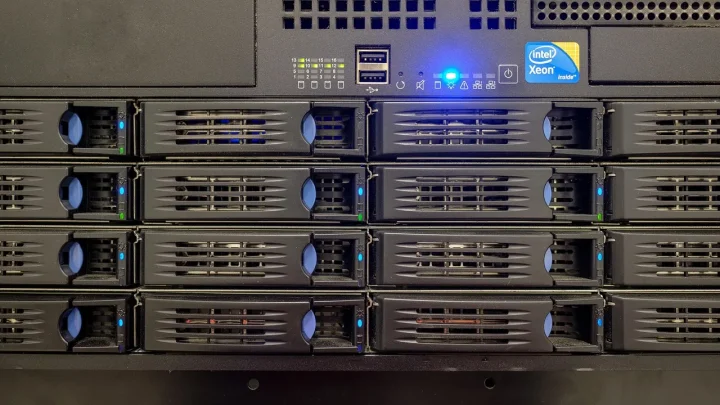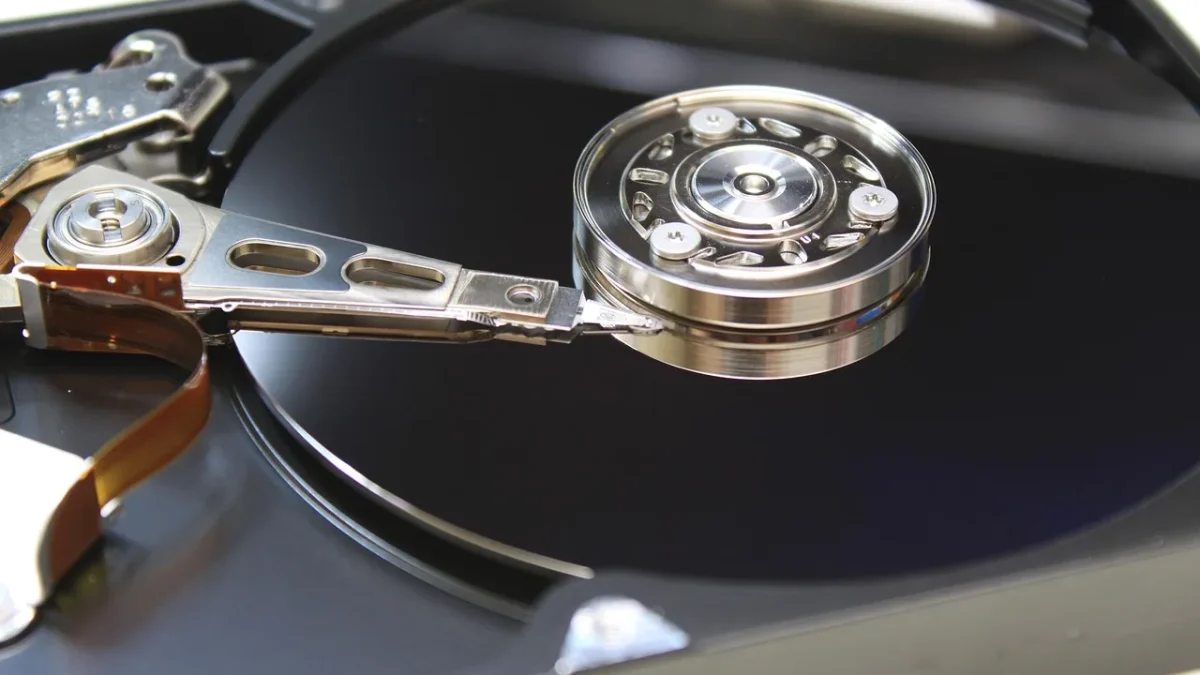
A dead drive is annoying. A dead drive plus a flooded basement is the kind of story that ends with someone losing fifteen years of family photos. That second scenario is exactly why your Synology needs a copy of its data somewhere that is not in your house.
Local backups protect you from one failure. Offsite cloud copies protect you from the house itself.
The good news is that Synology ships a genuinely capable tool for this called Hyper Backup, and it speaks to a handful of cloud providers out of the box. The bad news is that the pricing models between those providers are wildly different, and picking the wrong one can quietly cost you triple what it should. Here is how I rank them for a normal home user with somewhere between 500 GB and 4 TB to protect.
What actually matters for a home cloud backup
Before the list, three things drive the whole decision. Storage price per terabyte per month is the obvious one. The sneaky ones are egress fees (what you pay to download your own data during a restore) and API call charges.
A provider can advertise cheap storage and then bill you a fortune the day you actually need your files back. That is the trap I want you to avoid.

1. Backblaze B2: the default I recommend most
For the majority of home users, Backblaze B2 is where I point people first. It sits at roughly $6 per terabyte per month, and the first 10 GB is free while you test the setup.
The real reason it wins is egress. Backblaze gives you free downloads up to three times your average monthly stored data, which for a home restore is effectively unlimited. When your drive dies and you need to pull 1.5 TB back down, you are not staring at a surprise invoice.
Setup is straightforward too. In Hyper Backup you pick S3-compatible storage or the native B2 target, paste in your application key ID and key, point it at a bucket, and you are running in about ten minutes. You can read their exact rates on the Backblaze B2 pricing page.
Who it suits
Anyone who wants a fair price, predictable restore costs, and a target that just works with Hyper Backup. This is my boring, reliable, no-drama pick.
2. Wasabi: flat pricing with a catch
Wasabi is the crowd favorite for people who like round numbers. It charges a flat rate for storage with no egress and no API fees, which sounds perfect until you read the minimums.
Two things trip up home users. There is a 1 TB minimum billing floor, so backing up 300 GB still costs you the full terabyte. And there is a 90-day minimum storage duration, meaning data you delete before 90 days still bills for the remainder.
For a Hyper Backup job with long retention that rarely deletes old versions, those catches barely matter. If you store 1 TB or more and leave it there, Wasabi is very competitive and the no-egress promise is genuinely relaxing.
3. Synology C2: the zero-config option
Synology runs its own cloud, C2, and it is built specifically for their hardware. The appeal is that there is no third-party account, no access keys, and no bucket configuration. You log in with your Synology account and go.
C2 offers plans that bill either by storage used or as a flat per-terabyte tier, and restores from C2 are free of egress charges. Data centers sit in the US, Europe, and Asia, so you can keep your copy in your region for privacy reasons.
It costs a little more than B2 in most tiers, but you are paying for simplicity and tight integration. For someone who found even the B2 key setup intimidating, C2 removes every rough edge. Details live on the Synology C2 backup pricing page.
4. Amazon S3: powerful, and priced like it
You can absolutely point Hyper Backup at Amazon S3, and it will work perfectly. The question is whether you should.
Standard S3 storage runs higher than B2, and Amazon charges egress at around 9 cents per gigabyte after the free tier. Restoring 1 TB could cost you $90 in download fees alone, on top of monthly storage.
S3 makes sense if you already live in the AWS ecosystem or want features like Glacier for deep archival. For a plain home backup, the cost and complexity are hard to justify against the cheaper S3-compatible providers.
5. rsync to a friend or a second NAS
Not everything has to be a commercial cloud. Hyper Backup can target a remote Synology or any rsync server, which means you can back up to a second NAS at a family member's house.
Your only ongoing cost is electricity and a spare drive. The tradeoff is that you own both ends: if their unit fails or their internet dies, your offsite copy is offline until someone drives over to fix it.
I run exactly this as a secondary target alongside a paid cloud. It is the cheapest true offsite you can build, and it keeps your data entirely under your own control.
Quick comparison table
| Provider | Rough storage cost | Egress fees | Best for |
|---|---|---|---|
| Backblaze B2 | ~$6 / TB / month | Free up to 3x stored | Most home users |
| Wasabi | Flat, 1 TB minimum | None | 1 TB or more, long retention |
| Synology C2 | Slightly above B2 | None | Zero-config simplicity |
| Amazon S3 | Higher tier | ~$0.09 / GB | Existing AWS users |
| rsync / second NAS | Hardware + power | None | DIY, full control |
Getting the backup itself right
Whichever target you choose, a few settings separate a backup that saves you from one that quietly fails. Turn on client-side encryption in Hyper Backup so your data is unreadable before it leaves the NAS, and store that encryption key somewhere safe. Lose the key and the backup is genuinely gone.
- Enable integrity checks so Hyper Backup verifies the remote copy on a schedule, not just when you remember.
- Set version retention to something sane, like keeping daily versions for 30 days and monthly ones for a year, which protects you from ransomware that encrypts your live files.
- Watch your first upload: seeding 2 TB over a typical home connection can take days, so start it on a weekend.
Where I would put my money
If you want one answer, start with Backblaze B2. It is cheap, the restore pricing will not ambush you, and the Hyper Backup integration is painless enough that you will actually leave it running.
Choose Wasabi if you store a solid terabyte or more and love a flat bill. Choose C2 if the words access key made you nervous. And if you have a technical friend with a spare NAS, wire up an rsync target too, because two offsite copies cost almost nothing extra and turn a bad week into a minor inconvenience.
Frequently asked questions
Does Hyper Backup support Backblaze B2 directly?
Yes. Hyper Backup includes a native Backblaze B2 target and also supports S3-compatible storage, which B2 works with too. You create a bucket and application key in your Backblaze account, paste the key ID and key into Hyper Backup, and point the job at the bucket. Setup usually takes under ten minutes.
How much does it cost to back up 2 TB to the cloud from a Synology NAS?
On Backblaze B2 at roughly $6 per terabyte per month, 2 TB runs about $12 monthly before Hyper Backup compression, which often trims it further. Wasabi and Synology C2 land in a similar range for that volume. The bigger variable is egress, so a provider with free restore downloads like B2 or C2 keeps your worst-case cost predictable.
Is Synology C2 better than Backblaze B2?
It depends on what you value. C2 is easier to set up because there are no third-party access keys, and it integrates tightly with your Synology account. B2 is usually a bit cheaper and works with many other tools. For pure simplicity choose C2; for the lowest predictable price choose B2.
Should I encrypt my Synology cloud backup?
Yes, turn on client-side encryption in Hyper Backup so your files are scrambled before they leave the NAS. This means the cloud provider never sees your readable data. Store the encryption key and its exported file somewhere safe and separate, because losing the key makes the backup permanently unrecoverable.
How long does the first cloud backup take?
The initial seed is the slow part because every byte has to upload. On a typical home connection with 20-40 Mbps upload, 1 TB can take two to five days running continuously. Start the first job over a weekend, and later incremental backups only send changed data, so they finish in minutes.
Can I use a second Synology NAS instead of paying for cloud storage?
Absolutely. Hyper Backup can target a remote Synology or any rsync server, so you can back up to a second NAS at a relative's house. Your only cost is a drive and electricity. The tradeoff is reliability, since you are responsible for both ends staying online during a restore.