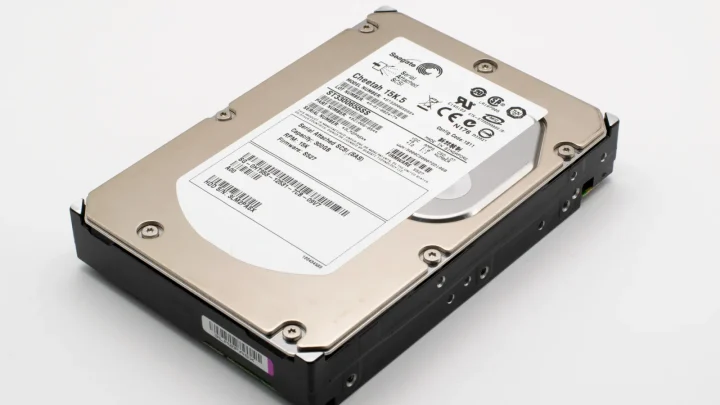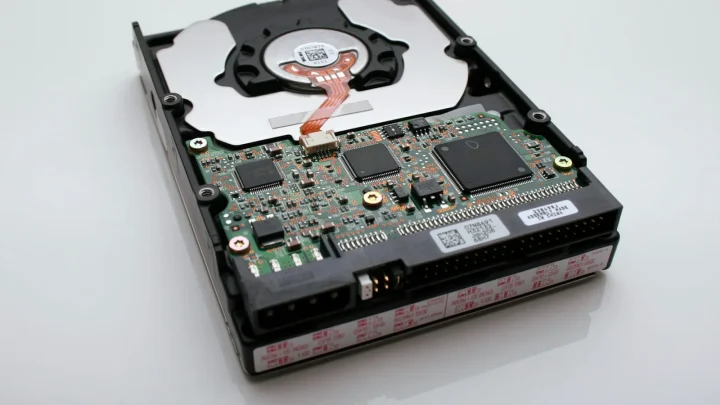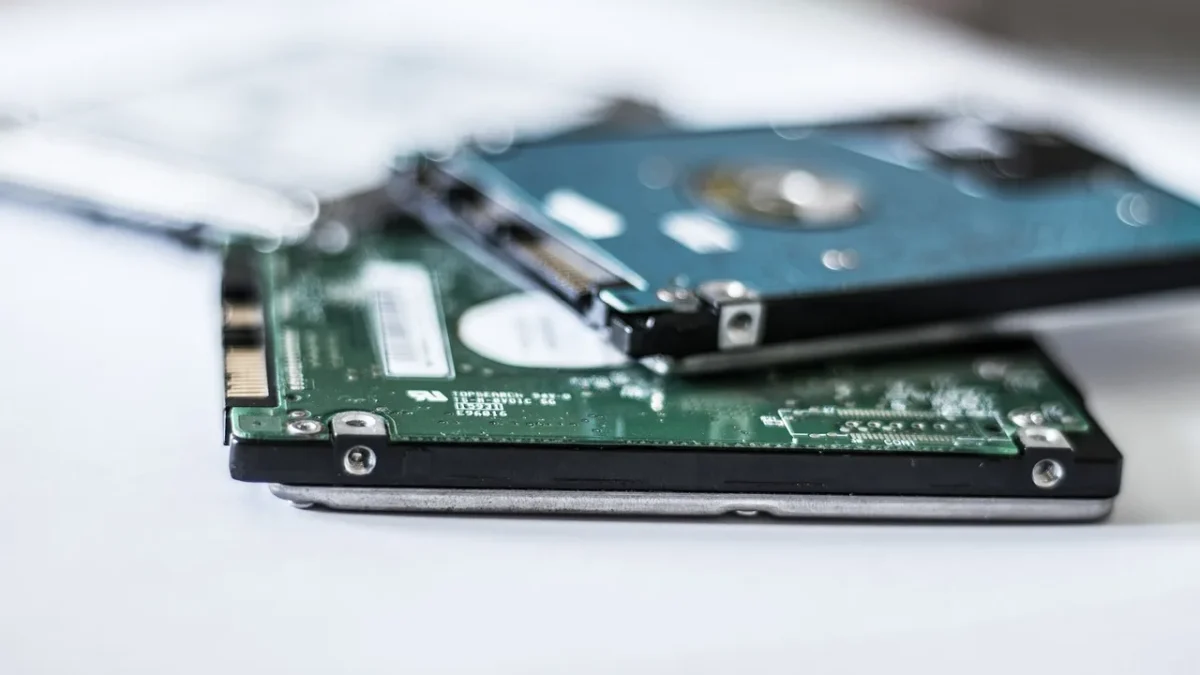
My DS920+ sat inside a closed IKEA cabinet for about a month before I noticed the drives were idling at 52 degrees Celsius. Not on fire, but warm enough that DSM had started throwing a yellow temperature warning on the storage pool. That little triangle icon is what most people notice first, and it is usually the moment they start searching for answers.
Heat is the quiet killer of home storage. It does not crash your box today, it just shaves years off the lifespan of your disks and then one Tuesday a drive drops out of the array.
The good news is that almost every hot-NAS case I have seen comes down to three fixable things: where the box sits, how the drives are packed, and whether the fans are actually doing their job. Let us walk through each one in order, because the fix is usually cheaper and simpler than replacing a drive.
First, find out how hot is actually too hot
Before you panic, get a real number. On a Synology, open Storage Manager, click HDD/SSD, and look at the temperature column for each drive. On QNAP it lives under Storage & Snapshots, and on TrueNAS you can read it from the dashboard or run smartctl -a /dev/sda over SSH.
Spinning hard drives are happiest between roughly 25 and 40 degrees Celsius. Backblaze published years of failure data from tens of thousands of drives and found that temperature had a surprisingly small effect on failure rates until things got extreme, so do not lose sleep over 41 degrees. You can read their analysis on the Backblaze hard drive temperature study.
The zone I actually worry about starts around 50 degrees under normal load, and anything sustained above 55 is a genuine problem. SSDs tolerate more heat but their controllers throttle when they get toasty, so a hot cache SSD can slow your whole array down.
Step 1: Give the box room to breathe
The single most common cause I see is placement. People tuck the NAS into a cabinet, a media console, or a shelf boxed in on three sides, and then wonder why it cooks.
A NAS pulls cool air in from the front or bottom and pushes hot air out the back. If either of those paths is blocked, the fan just recirculates warm air. Pull the unit out and give it a hand-width of clearance on every side, especially behind the exhaust fan.
The first time I moved my own unit out of that cabinet and onto an open wire rack, the drives dropped from 52 to 39 degrees within twenty minutes. No parts, no config, just airflow.
- Keep at least 10-15 cm of clear space behind the exhaust.
- Never stack anything on top of the chassis vents.
- Lift the unit off thick carpet, which blocks bottom intakes and traps heat.
- Point the exhaust into open room air, not at a wall 3 cm away.
Step 2: Fix drive spacing and dust
Inside the chassis, heat builds fastest between drives that sit shoulder to shoulder. A four-bay unit fully populated with high-capacity drives runs hotter than the same box with two drives, simply because there is no air gap between the platters.
If you have a spare bay, leave a gap between disks rather than filling adjacent slots. In a two-drive setup, use bays 1 and 3 instead of 1 and 2 so air can move between them.
Then there is dust. A NAS that has run for two years in a normal home collects a felt of dust on the fan blades and intake grille, and that felt acts like a blanket.
Cleaning without wrecking anything
Power the unit down fully, unplug it, and take it outside or over a bin. Use a can of compressed air on the fan and intakes, holding the fan blade still with a finger so it does not spin and generate voltage back into the board. Two minutes of this can drop temps by several degrees on a neglected box.
A mistake I see constantly is people vacuuming the inside of the chassis. The static from a vacuum nozzle can zap components. Stick to compressed air.
Step 3: Tune the fan behaviour
Most NAS boxes ship with the fan set to a quiet, conservative profile because manufacturers know a loud unit gets returned. That quiet default is often why your drives run warm.
On Synology, go to Control Panel > Hardware & Power > Fan Speed Mode and switch from Quiet to Cool Mode. On QNAP you can set a smart fan curve under System Settings. The change is instant and the extra noise is usually a soft whoosh, not a jet engine.
| Fan mode | Typical drive temp | Noise |
|---|---|---|
| Quiet / Low | Warmest, often 47-52 C | Barely audible |
| Cool / Full | Coolest, often 38-43 C | Soft, constant whoosh |
| Smart / Auto curve | Balances by load | Ramps under heavy use |
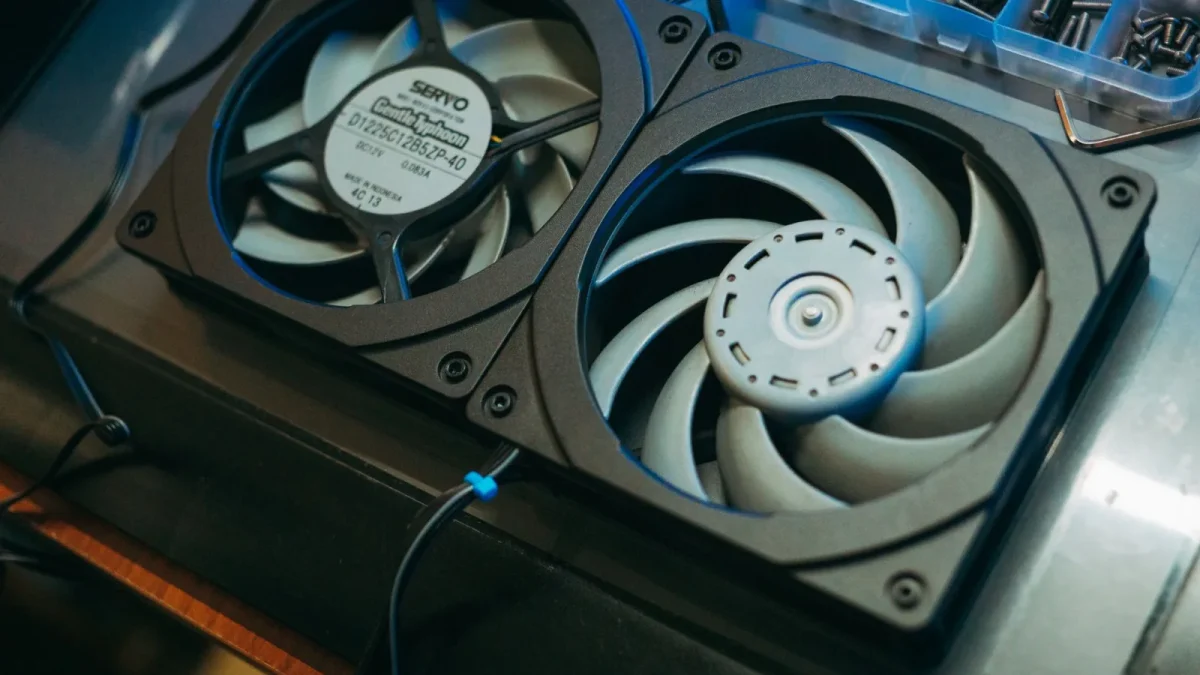
If your unit has a replaceable fan and it is a cheap sleeve-bearing model that has grown noisy or weak, swapping it for a Noctua of the same size (usually 92 mm or 120 mm) is a 15 dollar upgrade that runs cooler and quieter than the original.
Step 4: Deal with the room, not just the box
Your NAS cannot cool below the air around it. If the drive sits at 40 degrees in a room that is 22 degrees, that 18 degree gap is roughly fixed. Push the room to 30 degrees in a summer heatwave and the drive climbs to 48 without anything inside the box changing.
This is why so many people suddenly see warnings in July. The fix is boring but real: move the unit out of direct afternoon sun, off the top of a heat-producing router or amplifier, and out of an unventilated attic or upper closet where hot air pools.
One reader had a rock-solid NAS for two years that started warning every afternoon. The cause was a new south-facing blind that let sun fall directly on the chassis from 2 pm. Moving the box a meter to the left ended it.
Step 5: Cut the heat the drives make themselves
Every spinning platter and busy CPU generates heat, so reducing pointless work helps. Heavy container workloads, constant thumbnail indexing, and back-to-back scrubs all keep the drives spinning hot.
Check whether photo indexing or a media server is thrashing your disks around the clock. Staggering scheduled tasks so a backup, a scrub, and an antivirus scan do not all fire at 2 am can flatten a nightly temperature spike.
If your bays are only half full and you are buying more drives anyway, larger helium-filled drives from the Backblaze drive stats reports tend to run a couple of degrees cooler than older air-filled models of the same capacity, which is a small but free win at your next upgrade.
When cool numbers still will not come down
If you have opened the box up, cleaned it, set the fan to cool, and pulled it into open air but a drive still reads 55-plus, suspect that one drive specifically. A single disk running 8 degrees hotter than its neighbours in the same chassis is often a drive on its way out, and its SMART data usually confirms it.
Run an extended SMART test and watch for reallocated sectors or a rising temperature trend over weeks. A drive that keeps climbing while its siblings hold steady is telling you something.
Sort the placement and airflow first, though. Nine times out of ten a hot NAS is a hot cabinet, not a bad disk, and the whole thing is solved with a screwdriver, a can of air, and ten minutes of moving furniture.
Get the resting temperature back under 45 degrees and your drives will quietly outlast your interest in them.
Frequently asked questions
What temperature is too hot for a NAS hard drive?
Spinning drives are happiest between about 25 and 40 degrees Celsius. Readings in the low 40s are fine, but sustained temperatures above 50 degrees deserve attention, and anything over 55 is a genuine risk. Judge by the resting temperature after an hour of light use, not by peaks during a scrub or rebuild.
Will running my NAS fan on Cool mode wear it out faster?
No. Running the fan faster keeps drives cooler, and lower drive temperatures generally help disks last longer, not shorter. The fan itself is a cheap, replaceable part, so trading a little extra noise for cooler disks is almost always the right call.
Why did my NAS suddenly start overheating in summer?
A NAS cannot cool below the temperature of the air around it. When your room climbs 8 to 10 degrees in a heatwave, the drives climb the same amount even though nothing inside the box changed. Move the unit out of direct sun and improve airflow in the room to fix it.
Can I put my NAS in a cabinet or closet?
Only if that space has real airflow. A closed cabinet traps the hot air the NAS exhausts and recirculates it. If you must keep it enclosed, add a small USB or AC cabinet fan to pull warm air out, and never block the intake or exhaust vents.
Should I clean the inside of my NAS to lower temps?
Yes. Dust on the fan and intake grille acts like a blanket and raises temperatures over time. Power the unit off, unplug it, and use compressed air while holding the fan blade still. Do not use a vacuum, since the static can damage components.