The first time I priced out a home Plex server, I did the classic thing: I stared at the sticker price of a shiny four-bay NAS, winced, and bought a cheap mini PC instead. Two years later I did the math on my power bill and realized the mini PC had quietly cost me more than the NAS would have.
So let me walk you through the actual numbers, not the marketing ones.
The honest answer to which is cheaper depends on three buckets: what you pay upfront, what you pay Plex, and what you pay your electric company every month for the next five years. Most people only look at the first bucket. That is the mistake.
The upfront hardware cost
A NAS built for Plex is not the entry-level model. To transcode video reliably you want an Intel chip with Quick Sync, which in the Synology world means stepping up to something like a DS224+ or a DS923+, and in the QNAP world a TS-x64 or TS-x64U class box. As of mid-2026 a two-bay Plex-capable NAS runs roughly 350 to 500 US dollars for the enclosure alone.
Then you add drives. Two 8TB NAS drives are around 160 to 200 dollars each, so budget 320 to 400 dollars for storage on top.
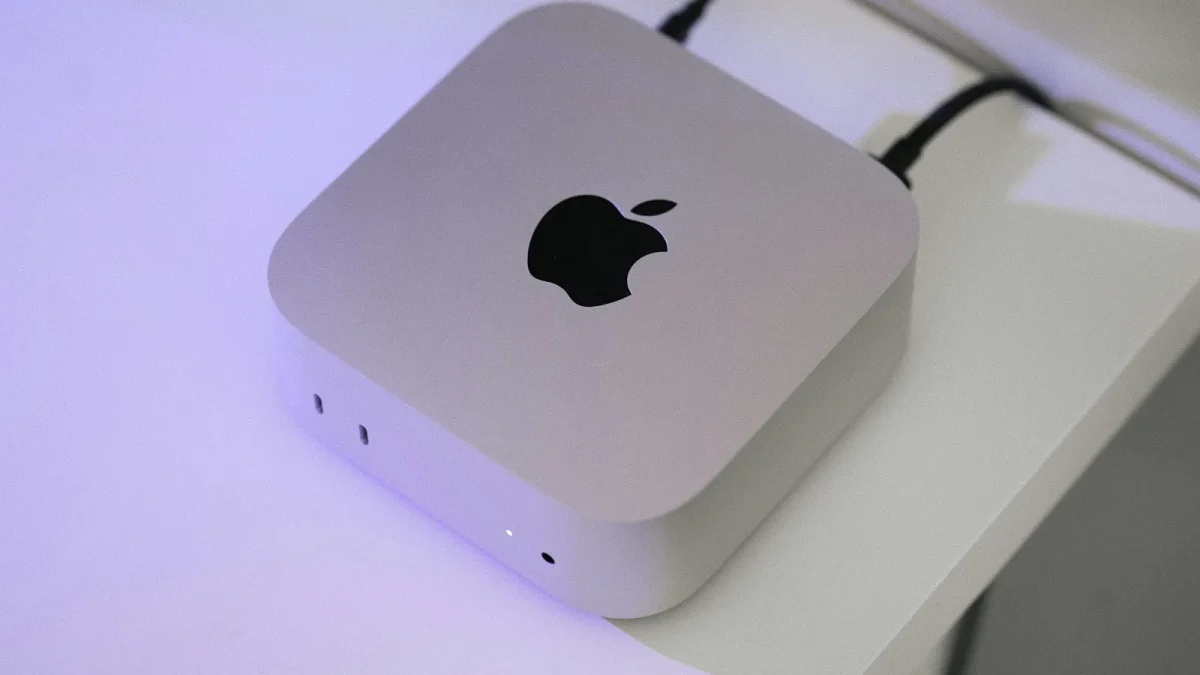
A mini PC is cheaper to get going. A Beelink or Minisforum unit with an Intel N100 or a 12th-gen i3 lands between 150 and 300 dollars, and it usually ships with 16GB of RAM and a 500GB NVMe drive already inside. That drive holds the OS and your Plex metadata, not your movies.
The catch with a mini PC is storage. It has no drive bays, so you either hang an external USB enclosure off it or buy a separate box. That external storage is an extra 100 to 400 dollars, and it is where a lot of people underestimate the mini PC route.
There is also a redundancy gap worth naming. A NAS gives you RAID or SHR out of the box, so one dead drive does not cost you your library. A single-drive mini PC has no such safety net, and rebuilding a Plex library from scratch after a drive failure is a weekend I would not wish on anyone.
The Plex Pass question
Hardware transcoding is a paid feature. To let Plex use that Intel Quick Sync chip you bought, you need Plex Pass, and this cost is identical no matter which box you pick.
As of 2026 a lifetime Plex Pass is 249 dollars, or you can pay monthly and annually if you would rather spread it out. I always tell people to just buy lifetime if they are serious, because the subscription math crosses over in about three years.
Skip the Pass and your server will software-transcode using the CPU, which chews through power and struggles the moment two people watch at once. So for a real comparison, assume both boxes carry the same 249 dollar Pass.
Electricity: the cost everyone forgets
This is the bucket that flipped my own decision. A Plex server runs 24 hours a day, and small differences in idle draw add up over years.
A two-bay NAS with spinning drives idles around 15 to 25 watts and spikes higher during a transcode. A mini PC with an N100 idles closer to 6 to 12 watts, but once you bolt on an external multi-drive enclosure that also stays powered, you are back up in NAS territory or beyond.
Let me put real figures on it. I will use 0.16 US dollars per kilowatt-hour, which is close to the 2026 US average, though yours could be double that in California or half in parts of the Midwest. You can check your own rate against the US Energy Information Administration data if you want to be precise.
| Setup | Avg draw | Yearly kWh | Yearly cost | 5-year cost |
|---|---|---|---|---|
| Two-bay NAS + 2 drives | 20 W | 175 kWh | $28 | $140 |
| Mini PC (SSD only) | 9 W | 79 kWh | $13 | $63 |
| Mini PC + external drive box | 22 W | 193 kWh | $31 | $154 |
See the trap? A mini PC by itself is genuinely cheap to run. A mini PC plus the storage it needs to actually be a Plex server is not.
Adding it all up over five years
Now stack the buckets. I am pricing a two-bay setup on each side with the same 16TB of raw storage and the same lifetime Plex Pass, so the comparison is fair.
- NAS route: 425 enclosure + 360 drives + 249 Pass + 140 power = roughly 1,174 dollars over five years.
- Mini PC route: 220 mini PC + 250 external two-bay enclosure + 360 drives + 249 Pass + 154 power = roughly 1,233 dollars over five years.
They land within about 60 dollars of each other. That surprises people who assumed the mini PC would win in a landslide.
The gap only really opens up if you go single-drive with no redundancy on the mini PC, or if you already own a machine that can host Plex for free. In that second case, of course, the mini PC wins hands down because its marginal cost is a few dollars of electricity.
Where each option actually pulls ahead
Cost is close, so the real decision comes down to what else you value.
The NAS earns its keep on convenience. Drive redundancy, a friendly web interface, automatic app updates, snapshots, and built-in backup tools are all handled for you. When a drive dies at 2am, a NAS emails you and lets you swap it without touching a command line.
The mini PC earns its keep on raw power per dollar and flexibility. If you want to run a dozen Docker containers, game servers, or a full home automation stack alongside Plex, a mini PC with a real desktop CPU will run circles around a modest NAS.
My take after building both
If you want a set-and-forget media box that your family can rely on and you never want to babysit, pay the small convenience premium and get the NAS. The five-year cost is nearly identical and you buy yourself years of not thinking about it.
If you enjoy tinkering, want to run more than just Plex, or already have a spare PC gathering dust, the mini PC is the smarter spend. Just be honest about the storage and power costs you are signing up for, because the sticker price is only the beginning of the bill.
One last piece of advice from someone who has paid for both mistakes: decide your storage size first, then pick the box. Nearly every regret I have seen came from buying the hardware, discovering the drives cost as much again, and realizing the cheap option was never as cheap as the box on the shelf suggested.
Frequently asked questions
Do I really need Plex Pass to run Plex on a NAS or mini PC?
You can run Plex without it, but Plex Pass is required for hardware transcoding, which is what lets the Intel Quick Sync chip do the heavy lifting. Without it, the CPU software-transcodes, which uses far more power and struggles with multiple simultaneous streams. A lifetime pass is 249 dollars and pays for itself against the subscription in about three years.
Is a mini PC always cheaper than a NAS for Plex?
Only if you ignore storage. A bare mini PC is cheaper upfront and sips less power, but it has no drive bays, so you must add an external enclosure and drives. Once you match the NAS on redundant storage, the five-year cost is nearly identical, within roughly 60 dollars.
How much does it cost to run a Plex server 24/7 in electricity?
At 0.16 dollars per kWh, a typical two-bay NAS costs about 28 dollars a year, and a bare mini PC around 13 dollars. Add an external drive box to the mini PC and it climbs back to roughly 31 dollars a year. Your exact figure depends heavily on your local power rate.
Can a cheap Intel N100 mini PC handle 4K Plex transcoding?
Yes. The N100 includes Intel Quick Sync, which handles several simultaneous 4K HDR transcodes with hardware acceleration. Most home libraries never push it that hard, so you rarely need a pricier chip just for Plex.
Why do my Plex libraries disappear on a mini PC?
This is almost always a USB drive enclosure dropping off under load. When the drive momentarily disconnects, Plex sees an empty folder and can flag the library as unavailable. Use a quality powered enclosure rather than a bargain USB dock to avoid it.