A friend messaged me last winter, frustrated. He had just dropped almost 200 dollars adding 16GB of RAM to his Synology because streaming to his parents kept buffering. It changed nothing.
That story repeats itself in forums every single week.
Plex transcoding is one of the most misunderstood parts of running a home media server, and the myths around it are expensive. People buy the wrong RAM, the wrong CPU, sometimes an entire wrong NAS. So let me walk through the beliefs I see most often and explain what is actually going on under the hood.
Myth 1: More RAM fixes buffering and slow transcodes
This is the big one, and it is almost always wrong. Video transcoding is a CPU and GPU workload, not a memory workload. Plex will happily transcode a 4K stream inside 1-2GB of RAM.
Adding memory helps when you are running lots of Docker containers, virtual machines, or heavy databases alongside Plex. It does not add transcoding horsepower.
The first time I benchmarked this myself, I ran the same 1080p to 720p transcode on a box with 4GB and again with 16GB. The frames-per-second number did not budge. The CPU was pinned at 100 percent both times, and that was the real bottleneck.
There is one narrow exception worth mentioning. If your NAS was already so starved of memory that it was swapping to disk, adding RAM removes that stall. But that is a general performance fix, not a transcoding fix, and you would feel the sluggishness everywhere, not just in Plex.
Myth 2: Any ARM-based NAS can hardware transcode
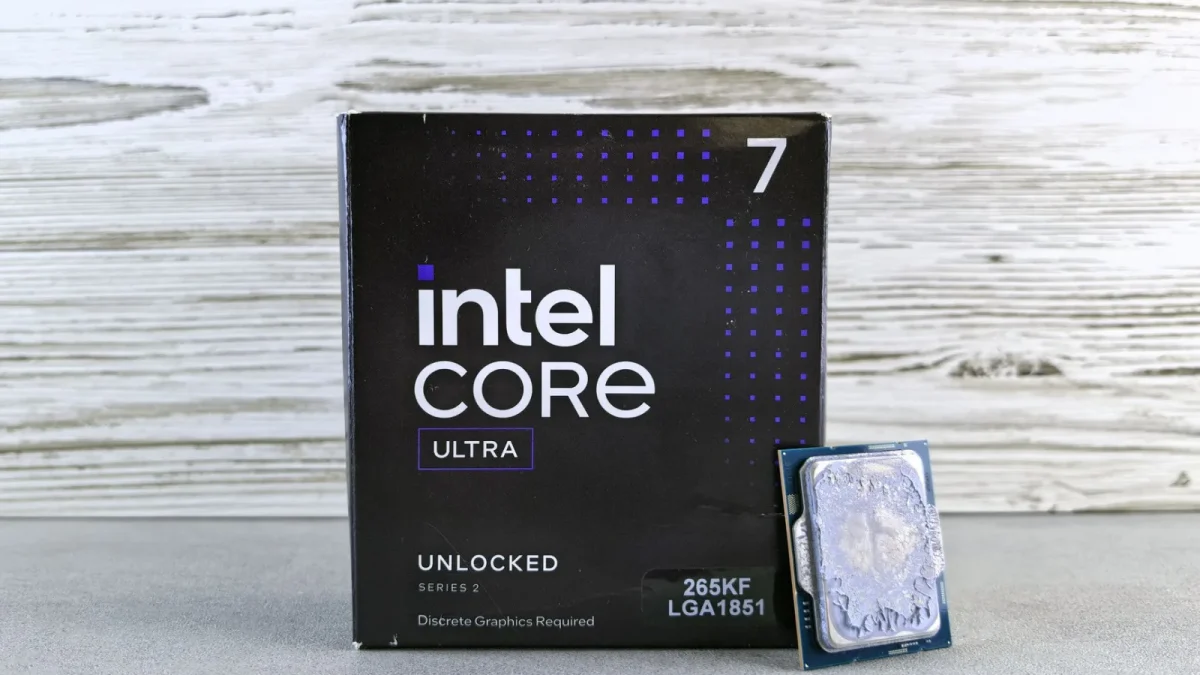
This one traps a lot of budget buyers. Many popular NAS units use ARM processors, and ARM chips generally cannot do the hardware-accelerated transcoding Plex relies on for smooth playback.
Hardware transcoding on Plex overwhelmingly depends on Intel Quick Sync Video, which lives inside Intel CPUs that have integrated graphics. The Synology DS220+ and DS224+, for example, use Intel Celeron chips with Quick Sync. The ARM-based DS220j does not, and it will fall back to slow software transcoding.
So a cheaper ARM model that looks similar on paper can be far worse for Plex.
How to check before you buy
Look up the exact CPU model, then confirm two things: is it made by Intel, and does it list Quick Sync support. You can verify Quick Sync directly on the Intel Quick Sync Video reference page, which lists which processor generations include it.
Myth 3: You always need to transcode
Plenty of buffering complaints come from servers that should not be transcoding at all. When your playback device supports the file's codec, container, and audio natively, Plex simply streams it as-is. That is called Direct Play, and it uses almost no CPU.
Transcoding only kicks in when something does not match: an unsupported codec, a subtitle that must be burned in, or a bandwidth limit forcing a lower quality.
A mistake I see constantly is people burning in subtitles by accident. Image-based subtitles (PGS, from Blu-ray rips) force a full video transcode, while text subtitles usually do not. Switching your subtitle track can drop your CPU load from 90 percent to nearly nothing.
The same logic applies to audio. A 7.1 surround track playing to a device that only wants stereo triggers an audio transcode. It is light compared to video, but on a tiny box every bit of CPU headroom counts.
Myth 4: One transcode and eight transcodes cost the same
They absolutely do not. Each simultaneous transcode is a separate job competing for CPU or Quick Sync capacity.
A modest Intel Celeron NAS might comfortably handle two or three 1080p hardware transcodes. Push it to six streams during a family movie night and you will hit stutter across all of them.
Here is a rough guide I give people, based on 1080p streams with hardware transcoding enabled:
| NAS CPU class | Realistic 1080p transcodes | Example model |
|---|---|---|
| ARM (no Quick Sync) | 0 to 1 (software only) | Synology DS223 |
| Intel Celeron dual-core | 2 to 3 | Synology DS224+ |
| Intel Celeron quad-core | 3 to 5 | QNAP TS-464 |
| Intel Core i3 or better | 6 or more | Custom TrueNAS build |
Those are guidelines, not guarantees. A single 4K HDR stream with tone mapping counts far heavier than a 1080p job.
Myth 5: 4K transcoding is basically the same as 1080p
4K is a different beast. Transcoding 4K content, especially HDR to SDR tone mapping, is dramatically more demanding than 1080p, and many entry-level NAS boxes simply cannot keep up.
The cleaner fix is usually to avoid 4K transcoding entirely. Store a separate 1080p copy of the movies you stream remotely, or make sure your remote devices can Direct Play the 4K file.
I keep two versions of my most-streamed films for exactly this reason. It costs some disk space, but disk space is cheap compared to a CPU that cannot cope.
Myth 6: A faster network fixes transcoding lag
Upgrading from gigabit to 2.5-gigabit Ethernet feels like progress, but it does nothing for a transcode that is CPU-bound. Transcoding happens on the server before the video ever hits the network.
Network speed matters for a different problem: getting enough bandwidth to the client for Direct Play. If your files are large and your link is slow, that is a bandwidth issue, not a transcoding one.
Diagnose which problem you have first. Watch whether the Plex dashboard says "transcode" or "direct play" next to the stream, because they point to completely different fixes.
Myth 7: The NAS is always the right place to run Plex
Sometimes it is not. If your NAS uses an ARM chip or a weak CPU, offloading Plex to a cheap Intel mini PC with Quick Sync, such as an N100-based unit for around 150 dollars, often outperforms a much pricier NAS.
The NAS keeps doing what it is good at, storing files, while the mini PC handles transcoding. You point Plex at the NAS shares over the network.
For a deeper rundown of what hardware Plex actually recommends, the official Plex guide to hardware-accelerated streaming is worth reading before you commit money to anything.
What I would actually check first
If your Plex setup stutters, resist the urge to buy parts. Work through this order instead.
- Open the Plex dashboard and confirm whether the stream is transcoding or direct playing.
- If it is transcoding, find out why: codec, subtitles, or bandwidth limit.
- Check whether your CPU supports Quick Sync and whether hardware transcoding is switched on in Plex settings.
- Confirm your Plex Pass is active.
- Only then consider a hardware change, and make it the right one.
Nine times out of ten, the fix is free. It is a subtitle track, a codec setting, or a toggle you forgot to flip. Spend fifteen minutes reading the dashboard before you spend a hundred dollars on RAM that will sit there doing nothing.
Frequently asked questions
Will adding RAM to my NAS help Plex transcoding?
No. Transcoding is limited by your CPU or integrated GPU, not memory. Plex can transcode inside 1-2GB of RAM. Extra RAM only helps if you run many containers, VMs, or heavy databases alongside Plex.
Can an ARM-based NAS hardware transcode for Plex?
Generally no. Plex hardware transcoding relies on Intel Quick Sync, which is not present on typical ARM NAS chips. An ARM unit falls back to software transcoding, which is slow and often cannot handle even a single 1080p stream well.
Why is Plex transcoding when the file plays fine locally?
A remote device may not support the file's codec, container, or audio, forcing a transcode. Image-based subtitles or a client bandwidth limit also trigger it. Check the Plex dashboard to see the exact reason listed next to the stream.
How many transcodes can a small NAS handle at once?
An Intel Celeron NAS with Quick Sync typically manages two to three simultaneous 1080p hardware transcodes. Quad-core Celerons stretch to around five. 4K streams with HDR tone mapping count much heavier and can saturate the same box with a single stream.
Is a mini PC better than a NAS for Plex?
Often yes, if your NAS has a weak or ARM CPU. A cheap Intel N100 mini PC around 150 dollars includes Quick Sync and can out-transcode a much more expensive NAS. Keep files on the NAS and run the Plex server on the mini PC.
Do I need Plex Pass for hardware transcoding?
Yes. Even on a Quick Sync capable machine, hardware-accelerated transcoding is a Plex Pass feature. Without an active subscription, Plex uses slower CPU-based software transcoding regardless of your hardware.