Drives and Storage
NAS vs Desktop Hard Drives: Which to Buy
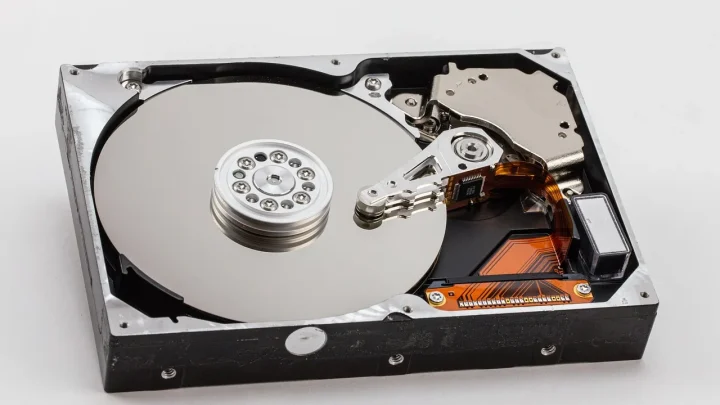
NAS drives cost a bit more, but the vibration handling, TLER firmware and longer warranty are what keep a 24/7…
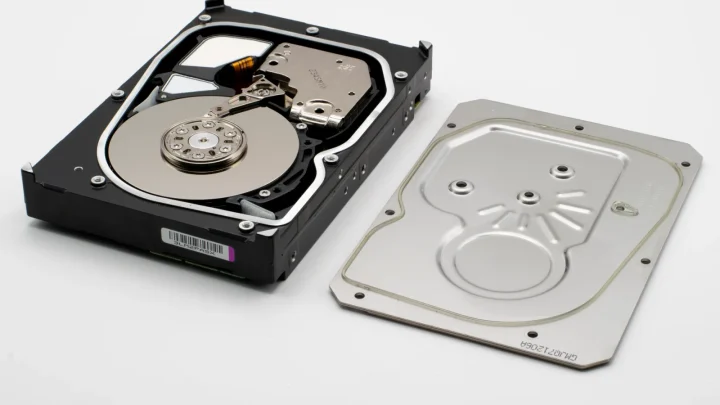
Drives are the heart of any NAS, and they are also the part most likely to fail. This section is about disks, volumes, and the arrays that hold your data together. You will find help reading SMART warnings, spotting a dying drive before it takes your pool with it, and replacing a failed disk without losing everything. We explain RAID levels in language that makes sense, cover degraded and rebuilding volumes, and walk through bad sectors, unrecognized disks, and capacity that mysteriously vanishes. Whether you run mirrored drives at home or a larger array, the goal is the same: keep your storage healthy, understand the warning signs early, and know exactly what to do when a drive gives out.
20 guides in this section
NAS drives cost a bit more, but the vibration handling, TLER firmware and longer warranty are what keep a 24/7…
Your 4TB drive shows barely 3.6TB, and RAID eats more. Here is exactly where every gigabyte went, and why almost…
A brand new disk your NAS refuses to see is almost always fixable in ten minutes with a shutdown, a…
That scary SMART warning does not always mean your drive is dying. Here is how to read the numbers and…
A rebuild that hangs at 47 percent or crawls for six days is usually fixable at home, once you know…
A degraded array is a warning, not a disaster. Move in the right order and you keep your data instead…
Pick the right RAID level for your home NAS without the enterprise jargon, so you know exactly what survives a…
A drive died, the beeper is screaming, and your data is still fine. Here is exactly which bay to pull…
That orange SMART alert in DSM is not always a death sentence, but it is a signal to act. Here…
Learn to catch a dying NAS disk early, understand why they fail, and act at each stage so you never…