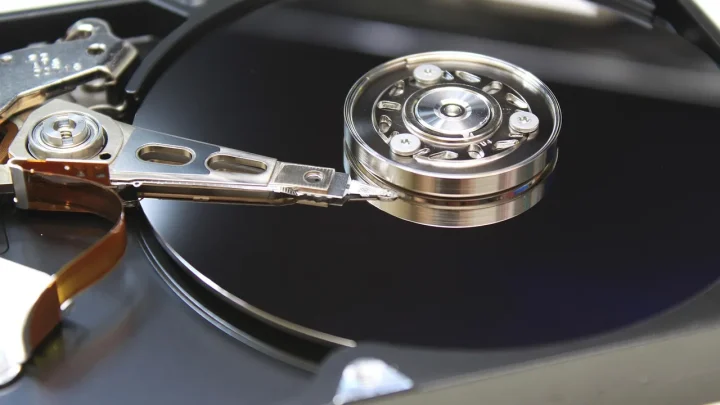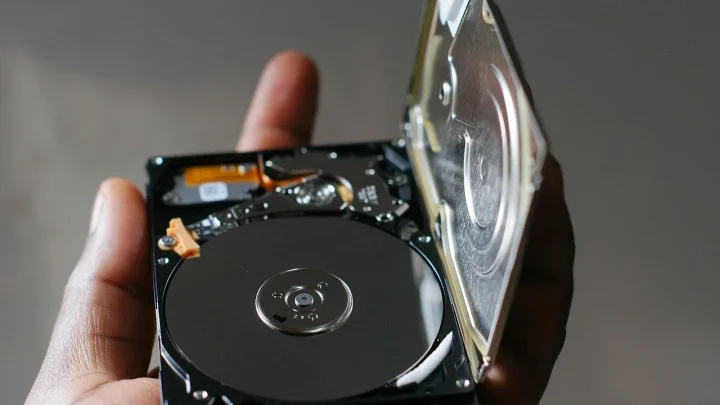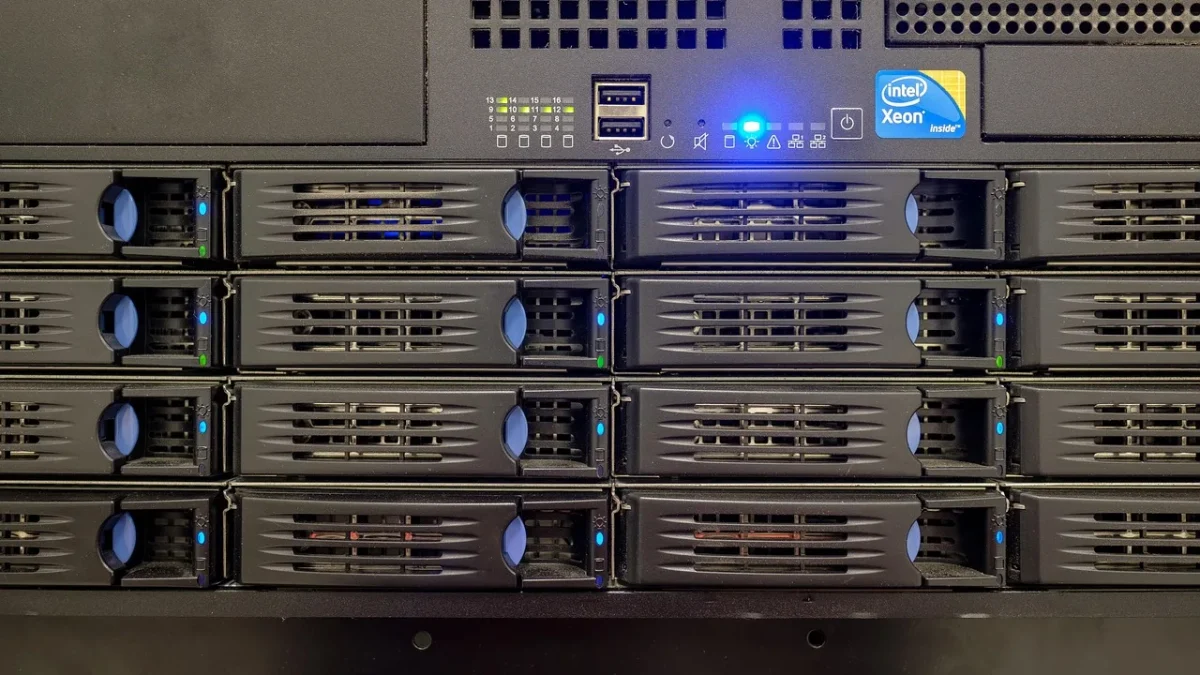
A neighbor called me in January because every photo of his kids from the last twelve years had turned into files ending in .locked. His Synology had been reachable from the internet on port 5000, no two-factor, admin account named "admin", password reused from an old forum. The encryption took maybe forty minutes and reached his USB backup drive too, because it was permanently mounted.
That is the part people miss. Ransomware does not just hit your live files. It hunts down every backup it can touch and encrypts those first, so you have nothing to fall back on.
So this is a checklist, not a lecture. Work through it top to bottom. Most of it takes an afternoon, and the single most valuable item costs about ten dollars a month.
Lock the front door before anything else
Before you touch backups, stop the easy break-ins. The overwhelming majority of home NAS infections come through exposed services and weak logins, not clever zero-day exploits.
- Get the NAS off the open internet. Do not forward ports 5000, 5001, 443, or SMB (445) straight to the box. If you need remote access, use the vendor relay (Synology QuickConnect, QNAP myQNAPcloud) or a VPN back into your home network.
- Rename or disable the default admin. On Synology, disable the built-in admin account entirely and make a new administrator with a different name. Bots spray "admin" and "root" all day.
- Turn on two-factor authentication for every account that can log in, not just yours.
- Enable the auto-block and account protection features. Ban an IP after five failed logins in five minutes. This alone stops most brute-force attempts cold.
- Patch the DSM/QTS firmware and every installed app. The QNAP DeadBolt outbreak in 2022 chewed through thousands of boxes running months-old firmware.
- Turn off UPnP on your router. It can quietly open ports back to your NAS without you ever asking. Log into the router, disable UPnP, and forward only what you deliberately choose.
Tighten shares and user permissions
Ransomware can only encrypt what the compromised account can write to. That means broad, sloppy permissions turn a small breach into a total loss.
Give each person their own account. Sharing one login across the whole family means one phished password reaches everything.
- Set shared folders to read-only for accounts that never need to write. Your media library, for example, rarely needs write access from the laptop that just streams from it.
- Delete or disable the guest account. It is off by default on modern firmware, but check.
- Turn off SMBv1. It is ancient, insecure, and still lurking in older configs. Modern Windows, macOS, and Linux all speak SMBv2/3 fine.
- Disable services you do not actually use: Telnet, FTP, the built-in web server, anything you cannot name a reason for.
Build backups ransomware cannot reach
Here is the rule I repeat until people are sick of it: a backup that is always connected and always writable is not a backup, it is a second copy waiting to be encrypted.
The classic 3-2-1 backup strategy still holds up: three copies of your data, on two different media types, with one kept offsite. For ransomware specifically, add one more word: at least one copy must be immutable or offline.
Immutable means the backup cannot be altered or deleted until a retention window expires, even by an administrator. That is the property that defeats encryption.
| Backup method | Ransomware-safe? | Notes |
|---|---|---|
| Permanently mounted USB drive | No | Encrypted along with the live data, every time. |
| Second NAS on the same LAN, always writable | Weak | Reachable from a compromised account. |
| Rotated external drives, unplugged between runs | Yes (offline) | Cheap and effective if you actually rotate them. |
| Cloud with object lock or versioning | Yes (immutable) | Backblaze B2, Wasabi, and similar support locked objects. |
| Snapshots with immutable/locked retention | Yes | Great for fast recovery, but keep an offsite copy too. |
Turn on immutable snapshots
Synology's Btrfs snapshots support a Immutable lock so nobody, including an admin, can delete them before the retention period ends. Set a schedule, keep 30 days, and lock them.
QNAP offers similar snapshot immutability, and TrueNAS on ZFS gives you snapshots that a compromised SMB session simply cannot touch. Unraid users typically lean on scheduled backups to a locked cloud bucket instead.
Add one offsite, locked cloud copy
Point your NAS backup task (Synology Hyper Backup, QNAP HBS 3) at a cloud bucket with object lock enabled. For a couple hundred gigabytes of irreplaceable photos and documents, expect roughly six to ten dollars a month. Set object lock to compliance mode with a 14 to 30 day window so even a stolen cloud key cannot wipe your history.
Encrypt the backup before it leaves the house. Both Hyper Backup and HBS 3 offer client-side encryption, which means your provider stores scrambled blocks and a thief who grabs the bucket gets nothing readable. Write the encryption passphrase down somewhere physical, because losing it means losing the backup for good.
One more habit that has saved me twice: keep two separate backup destinations, not one. A single cloud account can be locked, billed out, or fat-fingered into deletion. A rotated offline drive at a relative's house costs almost nothing and covers the day your cloud provider has a bad week.
Catch an attack in progress
Encryption is loud if you are listening. A quiet NAS suddenly churning through millions of file writes at 3 a.m. is a giant red flag.
- Enable email or push notifications for failed logins, new admin accounts, and unusual login locations.
- Watch snapshot storage. A sudden spike in changed blocks often means files are being rewritten in bulk.
- Keep an eye on which shares show mass file renames or new odd extensions like .locked, .encrypted, or a random string.
Test the recovery, because untested backups lie
The first time I actually tested a restore for a client, the backup job had been silently failing for four months. The dashboard was green. The data was not there.
Once a quarter, restore a folder from your oldest snapshot and from your cloud copy to a scratch location. Confirm the files open. That fifteen-minute drill is the difference between a scare and a catastrophe.
If you are already hit
Do not pay first and think later. Disconnect the NAS from the network immediately so it cannot reach other devices or your cloud keys. Then work out which backups predate the infection and restore from those. If an immutable snapshot or locked cloud copy survived, you likely lose nothing but a bad weekend.
Your afternoon, well spent
Run this list once and you have moved from "one bad email away from losing everything" to "annoyed for an afternoon at worst." The hardening steps are free. The immutable copy is the price of a coffee or two a month.
My neighbor got maybe sixty percent of his photos back from an old phone and a forgotten Google Photos sync. He now runs locked snapshots and a B2 bucket, and he sleeps fine. Set yours up before you need it, not after.
Frequently asked questions
Do NAS snapshots protect against ransomware on their own?
Only partly. Immutable or locked snapshots cannot be deleted by a compromised account, so they are excellent for fast recovery. But they live on the same drives as your data, so a drive failure or stolen NAS takes them too. Always pair snapshots with one offsite copy.
Is a USB drive plugged into my NAS a safe backup?
No, not if it stays connected. Ransomware encrypts every writable path it can reach, and a permanently mounted USB drive is right there. It only counts as protection if you unplug it between backup runs and rotate at least two drives.
Should I pay the ransom if my NAS gets encrypted?
Treat paying as a last resort, not a first move. Disconnect the NAS from the network immediately, then check whether any immutable snapshot or locked cloud copy predates the infection. If a clean backup survived, restore from it instead of paying, since payment does not guarantee a working key.
What is immutable backup and why does it beat ransomware?
Immutable means a backup cannot be changed or deleted until its retention window expires, even by an administrator with valid credentials. Since ransomware works by rewriting or deleting files, an immutable copy is simply out of reach. Cloud object lock and locked NAS snapshots both provide this.
Is my NAS safe if it is not exposed to the internet?
It is much safer, but not immune. Ransomware can arrive through an infected PC on your LAN that has a mapped network drive with write access. Keep per-user accounts, read-only permissions where possible, and an offline or immutable backup even on a fully internal network.