Setup and Configuration
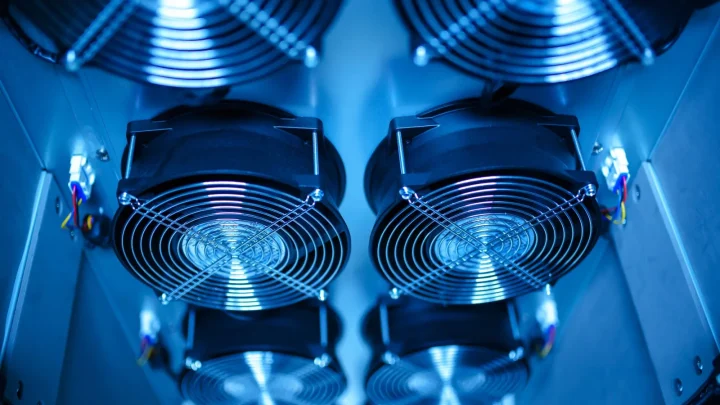
Quiet NAS Setup: How to Reduce Fan Noise
Cut the whine, hum, and drive chatter so your NAS can live in a bedroom or living room without driving…
Getting a NAS running well is half hardware, half settings, and the settings are where most people get stuck. This section walks through first-time setup, drive installation, and the configuration choices that shape how well your server runs for years. You will find beginner walkthroughs, storage pool and volume decisions, user and permission setup, and the tuning that keeps a unit fast and quiet. We also cover migrating from an old NAS, moving drives between units, and firmware updates that go smoothly instead of sideways. Each guide favors clear defaults over endless options, so you end up with a setup that works today and still makes sense when you come back to it later.
20 guides in this section
Cut the whine, hum, and drive chatter so your NAS can live in a bedroom or living room without driving…
Transplant a whole RAID array into a new box without wiping a single byte, and know the one scenario where…
Move your data, shares, apps, and settings to a newer Synology model without a painful rebuild or a scary re-copy…
Snapshots, self-healing, and a bit of RAM overhead separate these two. Here is how to pick the right one before…
Give every family member their own login and exactly the right folder access, without accidentally locking yourself out or exposing…
The two words your NAS keeps asking about, explained in plain English so you set up your drives the right…
The first-setup errors that quietly turn a shiny new NAS into a single point of failure, and how to sidestep…
Pick the storage layout that lets you mix drive sizes and grow later, without wasting terabytes you paid for.
Seat, screw, and slot your NAS drives the right way so they run cool, stay quiet, and never drop out…
Unbox, install drives, initialize, and share files with confidence, in one calm evening instead of a frustrating weekend.